Normal Man Labs · Hosted trading platform · Beta
Anchor Grids
A hosted grid-bot platform with paper trading, live bot slots, and a browser dashboard. Explore the workflow with simulated funds before choosing whether to trade live.
Anchor Grids is a Normal Man Labs product. This studio overview explains the workflow; the official Anchor Grids website provides the application, current plans, and product documentation.
Bots, without managing a server
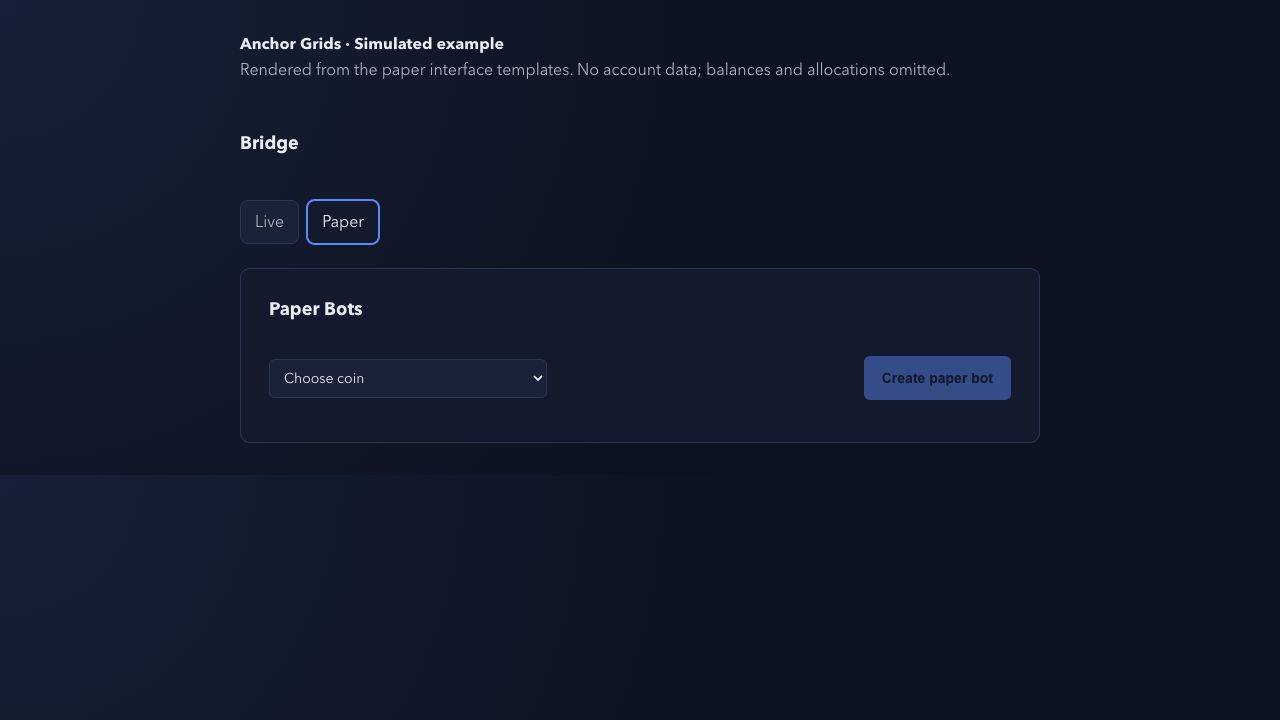
Anchor Grids hosts the bots. Its Bridge lets you manage saved bots in paper or live mode, while the dashboard lists their markets, status, and links to individual bot stats.
Practice with paper trading
Paper bots use simulated funds. The paper plan is a paid subscription, but simulated trades do not put real trading funds at risk. Paper results do not establish what a live bot will earn.
What should you check before running a paper bot?
- Choose paper mode in the Bridge and review the market and available bot slots.
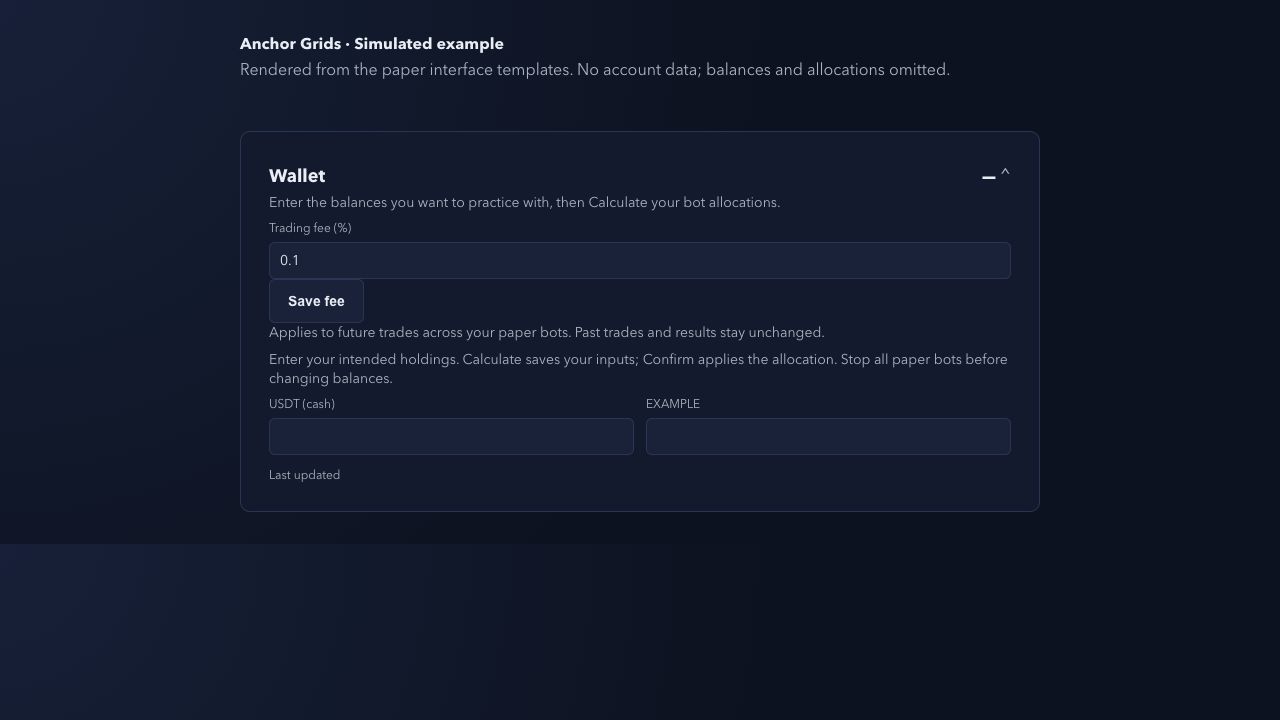
- Stop all paper bots before changing the Wallet balances. Enter the simulated holdings you want to practice with.
- Review the Wallet’s trading fee percentage. Its saved rate applies to future trades across your paper bots; changing it does not recalculate earlier trades.
- Review the Calculator allocation. Calculate saves the inputs; Confirm applies the allocation.
See the official paper-trading guide for the current workflow. Paper mode does not require placing real exchange orders.
How does a simulated trading fee affect a trade?
For a simplified example, assume a simulated fill has a value of 100 quote units and the paper fee is set to 0.15%. The fee is 100 × 0.0015 = 0.15 quote units. A second fill also incurs a fee, so a buy and a sell each worth 100 quote units would incur 0.30 quote units in total.
This is fee arithmetic, not an observed bot result or a return forecast. The percentage is illustrative, not a claim about your exchange’s current fees. Actual simulated fills can have different values and execution adjustments; evaluate the recorded fills rather than assuming the requested order price was the fill price.
The Wallet’s simulated trading fee is separate from the paid paper subscription and any platform performance fee. Use the official plans for current platform charges.
Can paper results predict live trading returns?
No. Paper trading helps you learn the controls and inspect simulated trades. It does not reproduce all live liquidity, slippage, or exchange outages. Fees also affect the difference between a trade’s price movement and its result after costs.
Before considering live mode, review both the trade history and the remaining holdings. A completed trade and the value of assets still held describe different parts of the account. A favorable simulation does not establish that a bot will make money with real funds.
Understand live trading
Live bots trade real funds in your exchange account and can lose money. Hosting automates the workflow; it does not guarantee returns or remove trading risk.
Each slot holds one saved bot. Stopped bots still occupy slots; deleting a saved bot frees the slot for reuse. Review the platform’s current plans before subscribing.
Check the current beta terms
Pricing and capacity can change during beta. The official plans page is the source for current slot counts, subscription prices, renewals, cancellation, and planned performance fees.
Product workflow checked October 7, 2026 against the official paper-trading guide, workflow guide, and plans page. The numerical example above is hypothetical.
Read the official product guides
Explore how Anchor Grids works, paper trading, and Binance US support. The official questions page explains slots, beta fees, cancellation, and trading risk.